
Instant Deposits via UPI and Crypto
Deposits made via UPI, PhonePe, GPay, and PayTM are credited instantly. Crypto deposits are confirmed after standard blockchain verification.
The Batery mobile app supports multiple languages and is free to download for Indian users on both Android (APK) and iOS. It includes full access to sports betting, casino games, live dealer tables, and payments via UPI, PhonePe, GPay, PayTM, and Crypto.
New users can claim one of four welcome offers: an Aviator bonus of 100% up to 30,000 INR; a Welcome Pack of 500% up to 1,50,000 INR plus 430 free spins across the first 5 deposits; a Sports Welcome Bonus of 150% up to 30,000 INR plus 200 free spins; or a Slots Welcome Bonus of 150% up to 30,000 INR plus 200 free spins. Minimum deposit required to activate any offer applies.
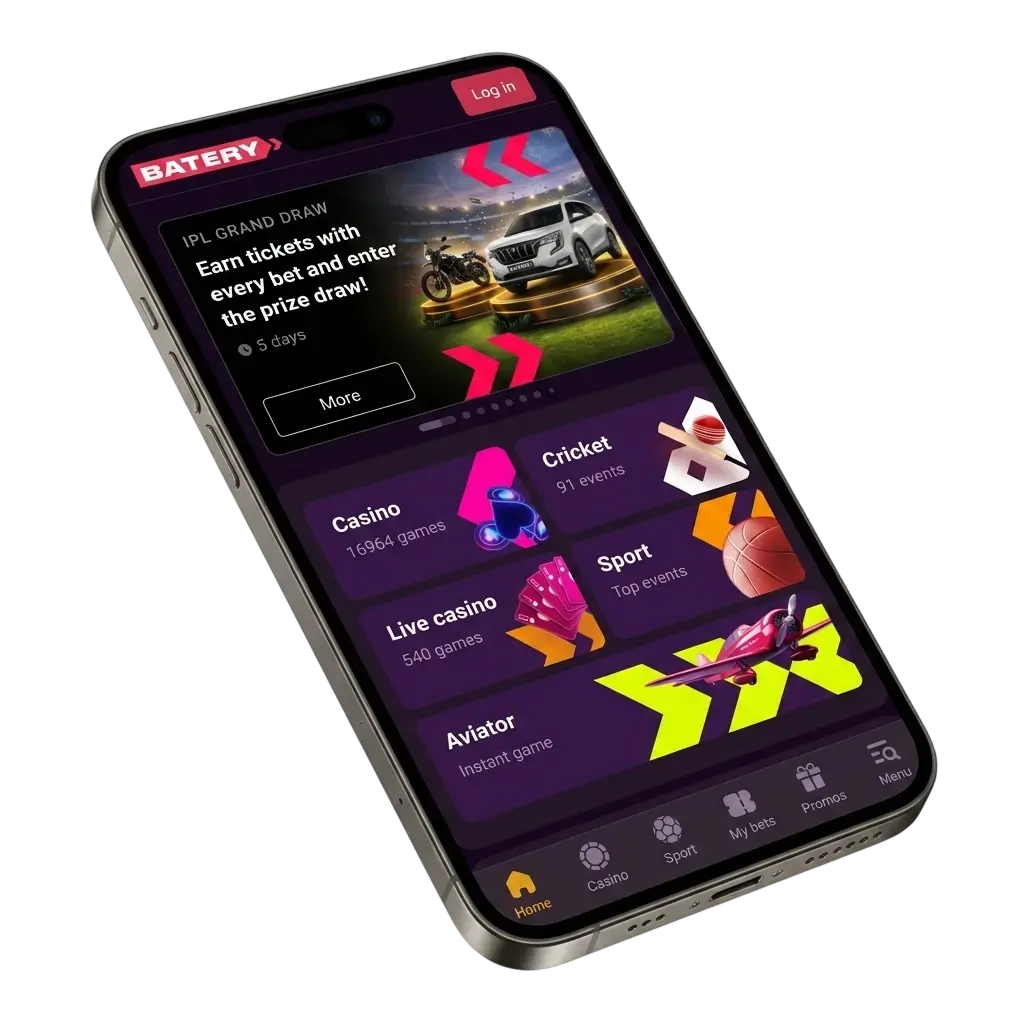
The Batery application is available for both Android and iOS devices. The table below summarises its core technical and operational details.
| Feature | Details |
|---|---|
| Developer | Batery |
| License | Curaçao eGaming License |
| Supported OS | Android 5.0+, iOS 12.0+ |
| Cost | Free |
| Category | Sports Betting and Online Casino |
| Countries Available | India and other supported regions |
| Languages Supported | English, Hindi, and other major languages |
| Currencies Supported | INR, USD, EUR, and Crypto |
| Available in India | Yes |
Download App
https://bni.batery-ind.net/6jbv9BG?type=app
The Batery APK download for Android is completely free and takes under two minutes. There are four straightforward steps to follow before you can start betting and playing casino games on your device.
Click the designated download button on this page to begin fetching the Batery APK file.
Accept the browser prompt that appears to confirm and start the APK download.
Open your device Settings, navigate to Security, and enable installation from unknown sources for the browser you used to download the file.
Open your downloads folder, tap the Batery APK file, and follow the on-screen prompts to finish installation.
The Batery Android app is free to download and gives you full access to sports betting and casino games from anywhere in India. All four installation steps are outlined in the section above. Once installed, you can log in, deposit funds, and place your first bet within minutes.
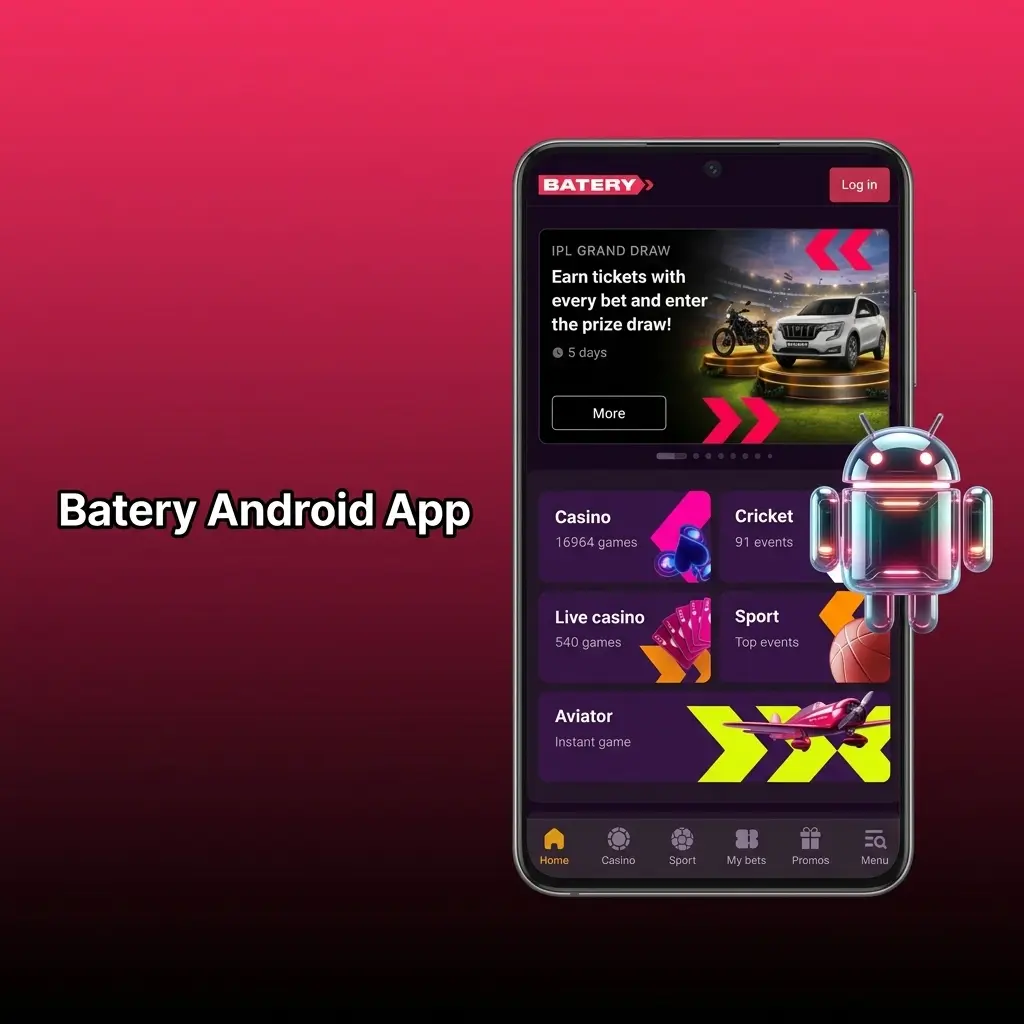
Check that your Android device meets the minimum specifications below before installing the Batery app.
| Requirement | Minimum Specification |
|---|---|
| Android Version | 5.0 (Lollipop) or higher |
| RAM | 1 GB |
| Free Storage Space | 100 MB |
| Processor | 1.2 GHz dual-core or equivalent |
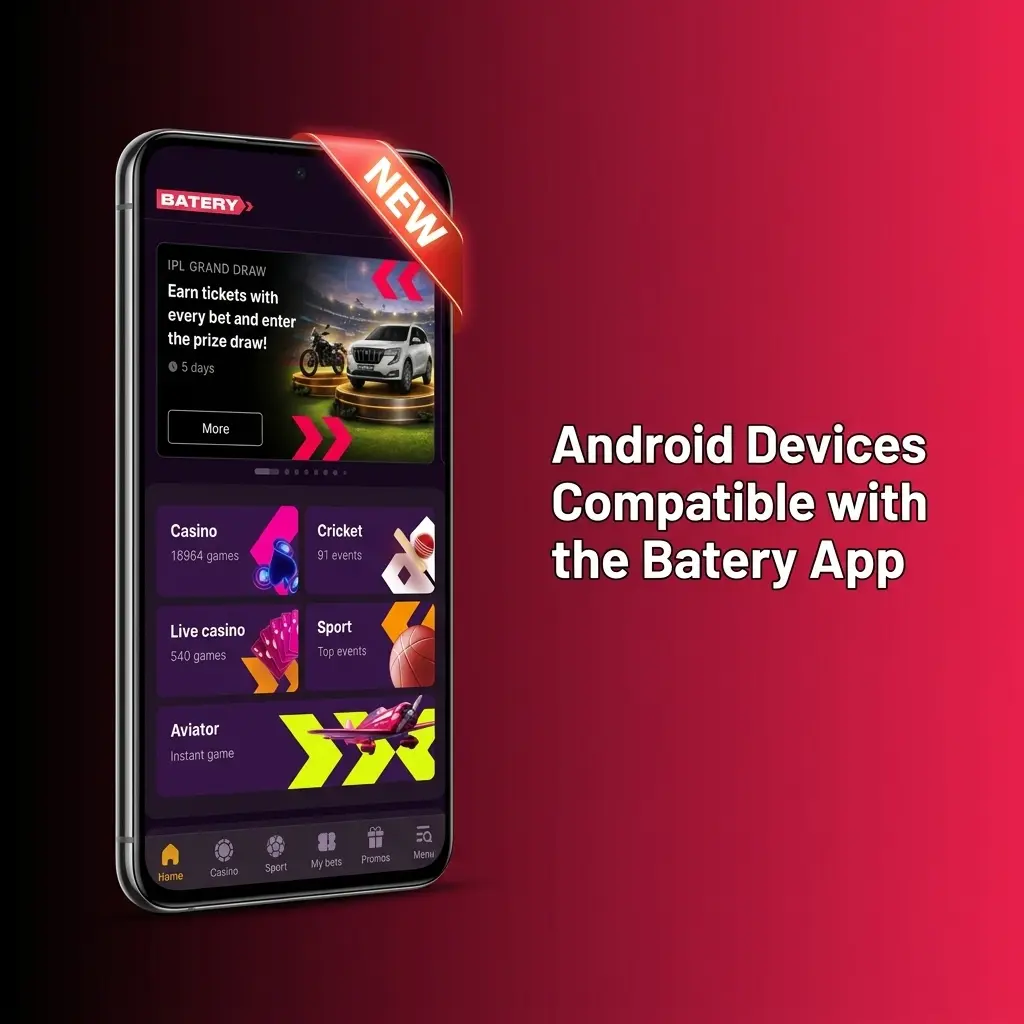
The Batery app for Android performs reliably across a wide range of popular smartphones available in India. The following models are confirmed compatible:
Installing the Batery mobile app on an iPhone or iPad is straightforward and takes only a few minutes. Follow these 5 steps to get started.
Click the iOS download button on this page to initiate the installation process directly from the official source.
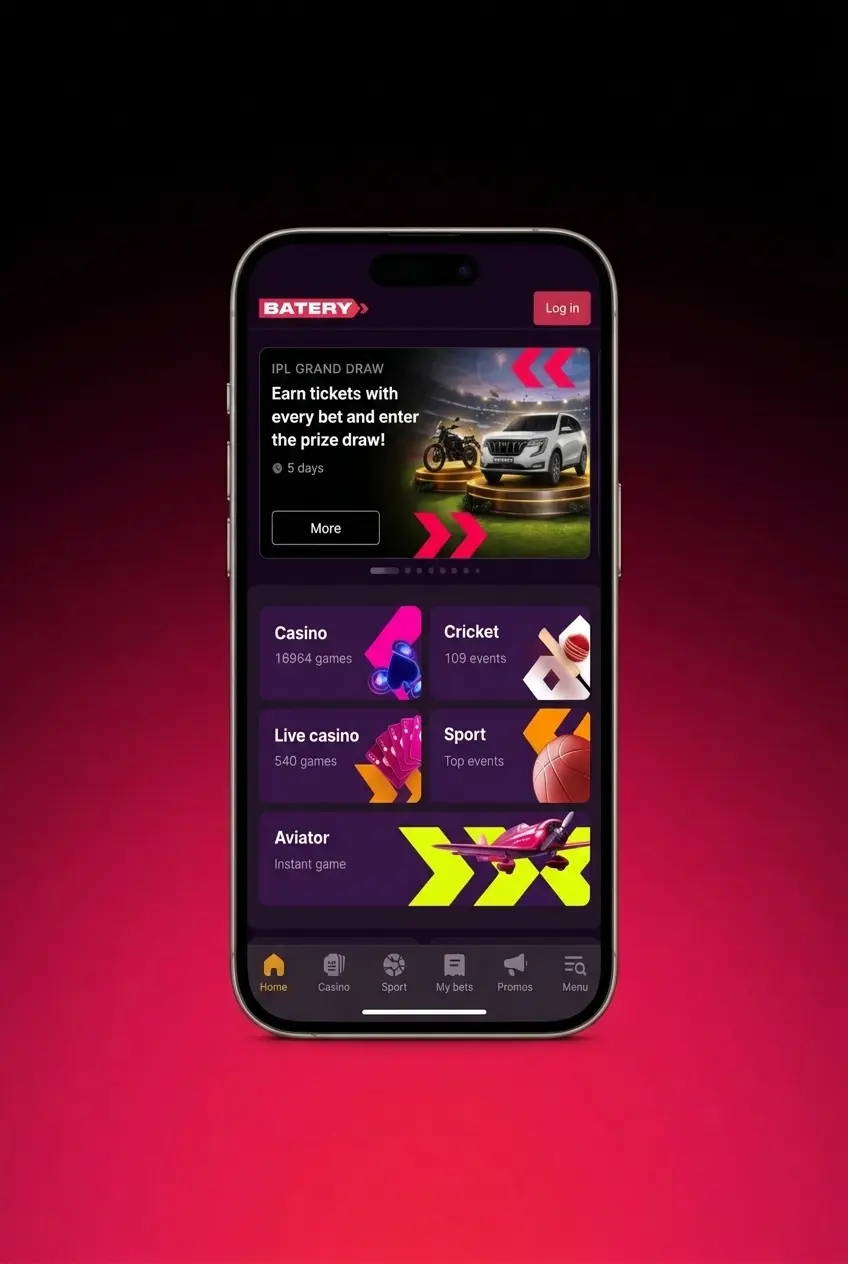
You will be redirected to the App Store listing for Batery. Tap the “Get” button to begin downloading the app to your device.
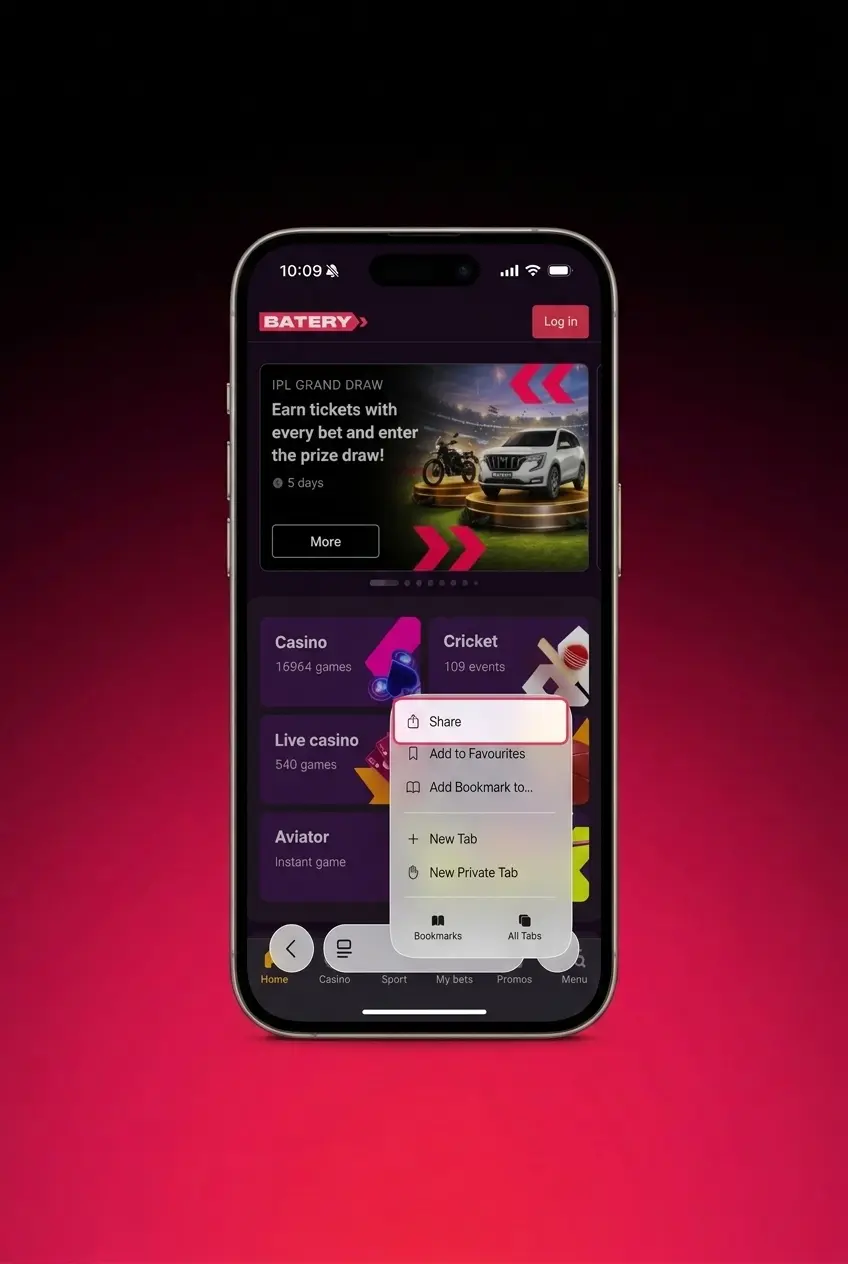
Confirm your identity using Face ID, Touch ID, or your Apple ID password to authorise the installation.
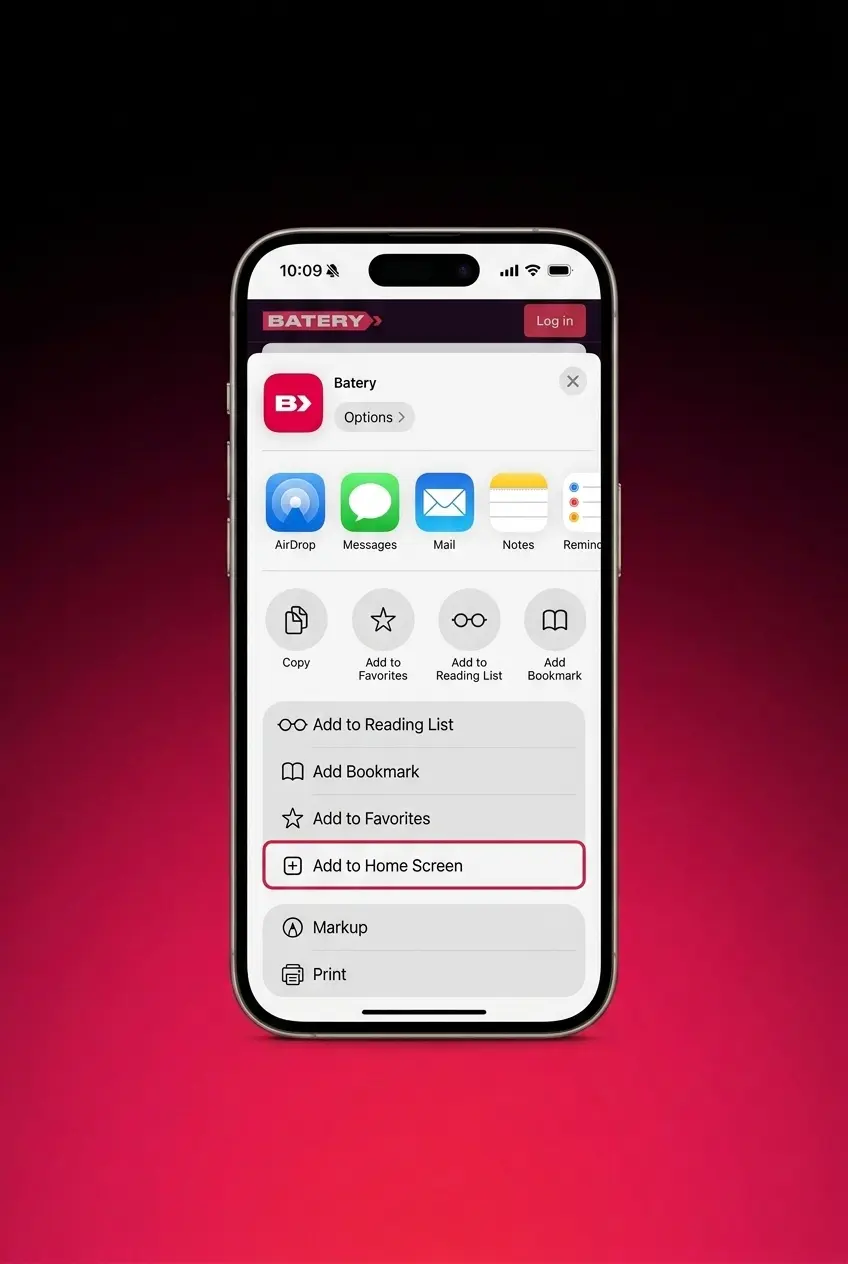
The Batery app will download and install automatically. Monitor the progress on your home screen until the icon appears.
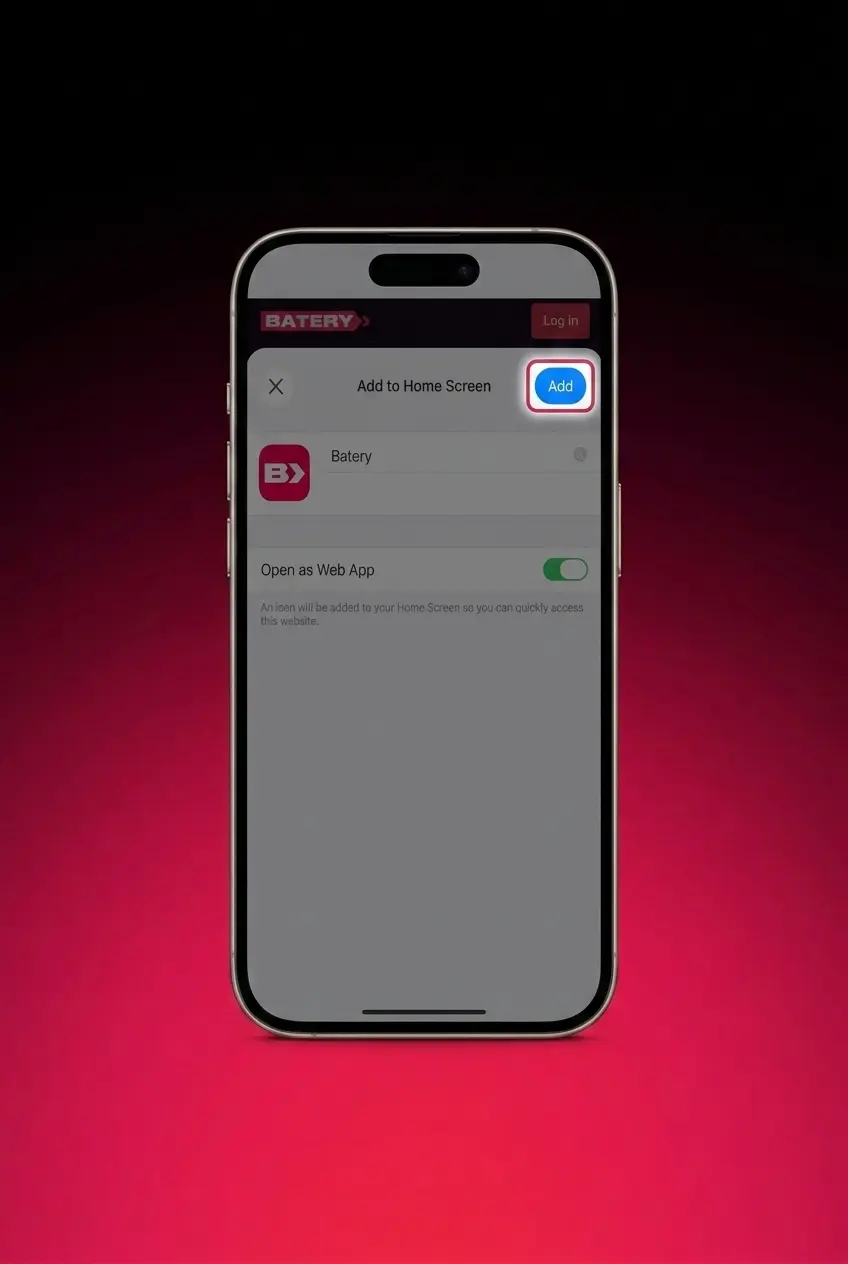
Tap the Batery icon on your home screen, log in to your existing account or register a new one, and start playing.
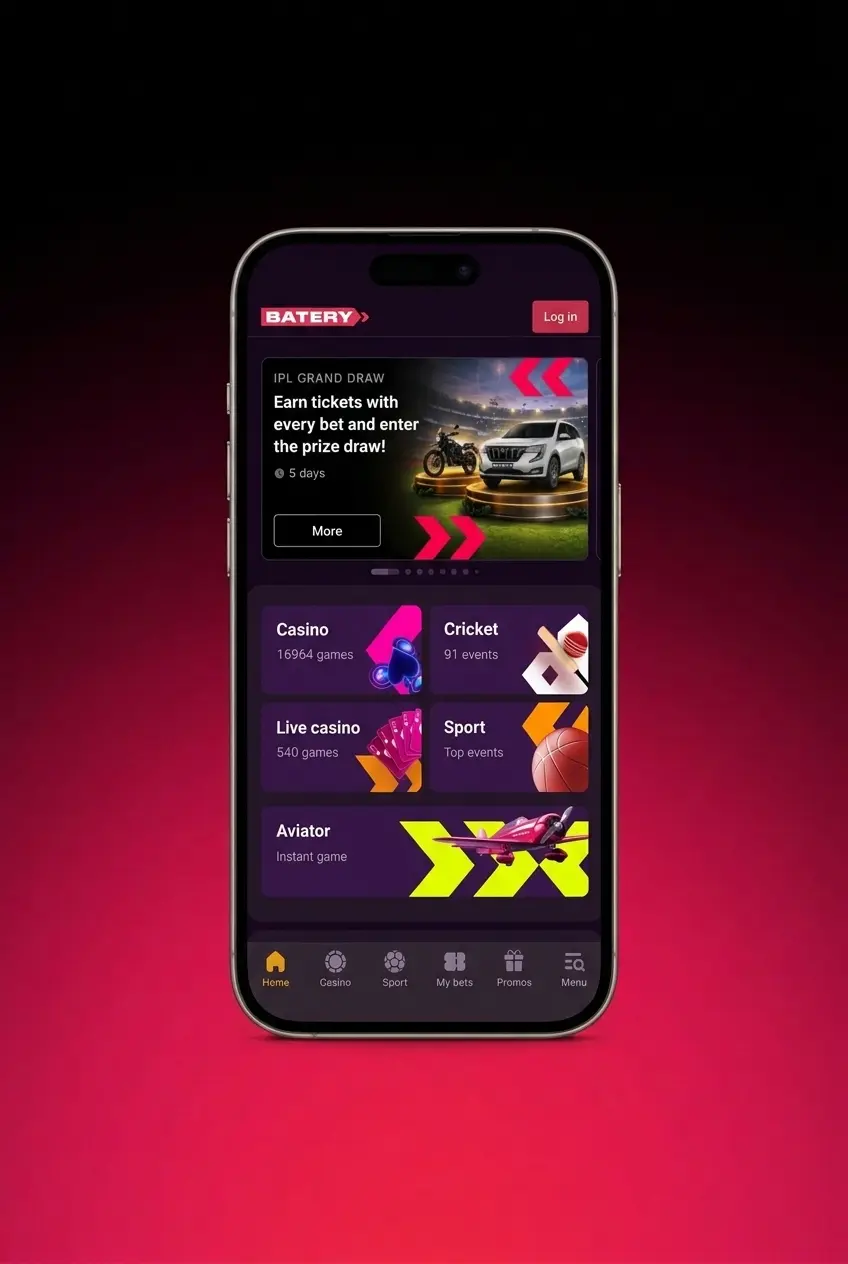
Click the iOS download button on this page to initiate the installation process directly from the official source.
You will be redirected to the App Store listing for Batery. Tap the “Get” button to begin downloading the app to your device.
Confirm your identity using Face ID, Touch ID, or your Apple ID password to authorise the installation.
The Batery app will download and install automatically. Monitor the progress on your home screen until the icon appears.
Tap the Batery icon on your home screen, log in to your existing account or register a new one, and start playing.
The Batery app for iPhone is free to download and available for both iPhone and iPad. It requires iOS 12.0 or higher and a minimum of 150 MB of free storage. The app replicates the complete functionality of the desktop platform, including sports betting, live casino, payments, and account management. It is a lightweight install that delivers the full Batery experience on Apple devices.
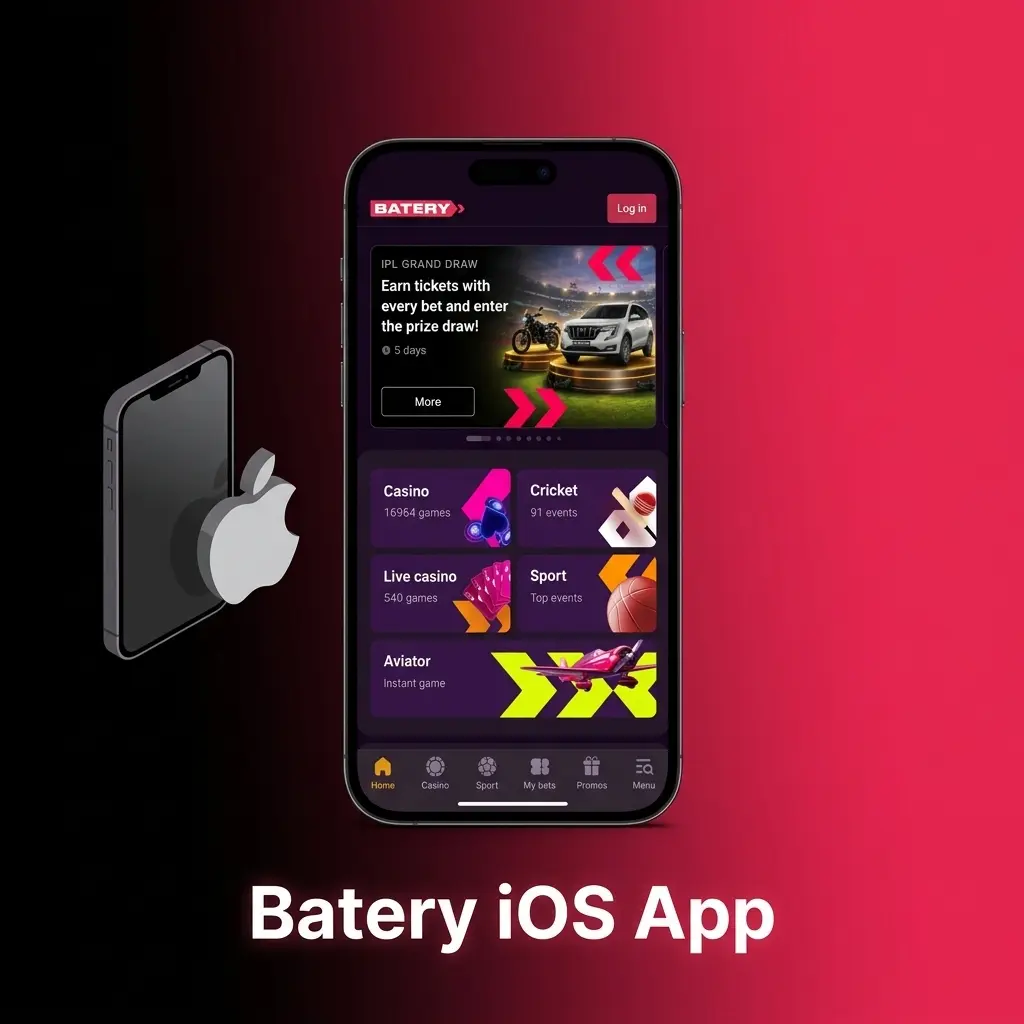
Ensure your Apple device meets the minimum requirements listed below before downloading the Batery app.
| Requirement | Minimum Specification |
|---|---|
| iOS Version | 12.0 or higher |
| RAM | 2 GB |
| Free Storage Space | 150 MB |
| Processor | Apple A9 chip or equivalent |
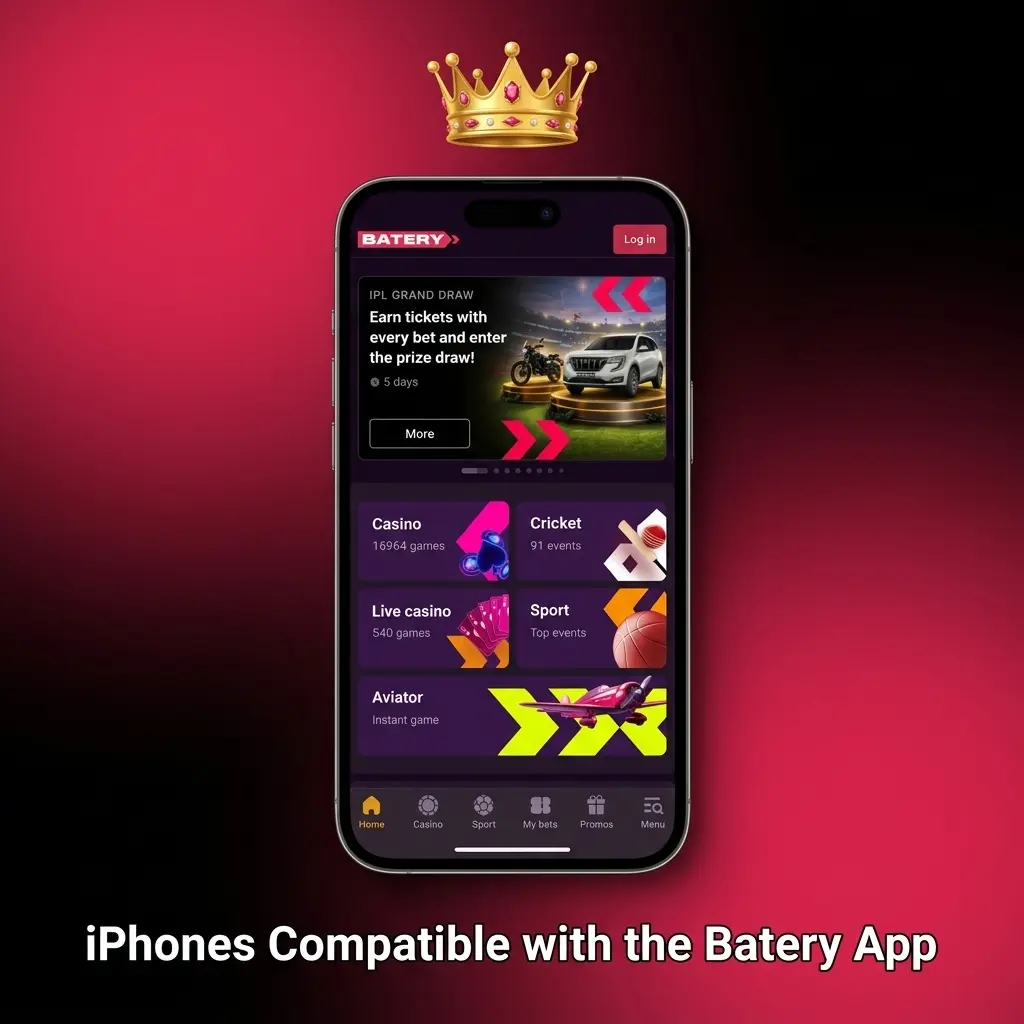
The Batery app for iPhone runs reliably across all recent Apple device generations. The following models are fully supported:
The table below highlights the key improvements introduced in the latest Batery APK compared to earlier versions.
| Feature | New Version | Old Version |
|---|---|---|
| App Performance | Optimised load times, reduced lag | Slower load times on mid-range devices |
| UI Design | Redesigned navigation with bottom menu bar | Standard top-navigation layout |
| Payment Options | UPI, PhonePe, GPay, PayTM, Crypto supported | Limited payment gateway support |
| Live Betting | Full LIVE mode with real-time odds updates | Basic live betting with delayed odds |
| Casino Games | Extended library with new providers | Smaller game catalogue |
| Security | 256-bit SSL encryption, two-factor authentication | Basic SSL encryption |
| Bonus Claim | In-app bonus selection during registration | Bonus activation via desktop only |
| Crash Stability | Significantly reduced crash rate | Occasional crashes on older devices |
Creating a Batery account through the mobile app takes under three minutes and is open to users aged 18 and above. Follow the steps below to complete your registration.
Once registration is complete, you can deposit immediately using UPI, PhonePe, GPay, PayTM, or Crypto and start playing straight away.
Tap the download button on this page, install the Batery app on your device, and open it.
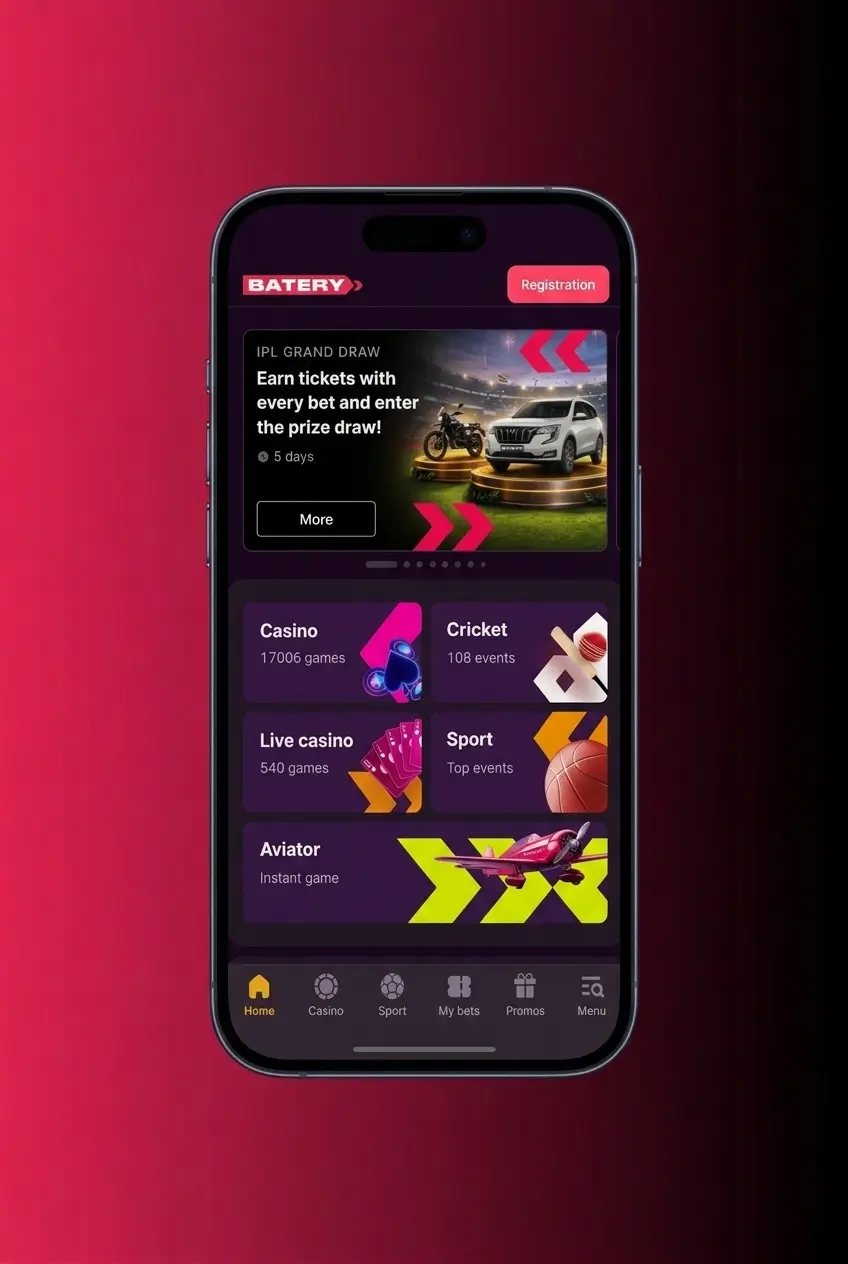
Select the “Registration” button on the app’s welcome screen and choose your preferred sign-up method: by email, phone number, or social account.
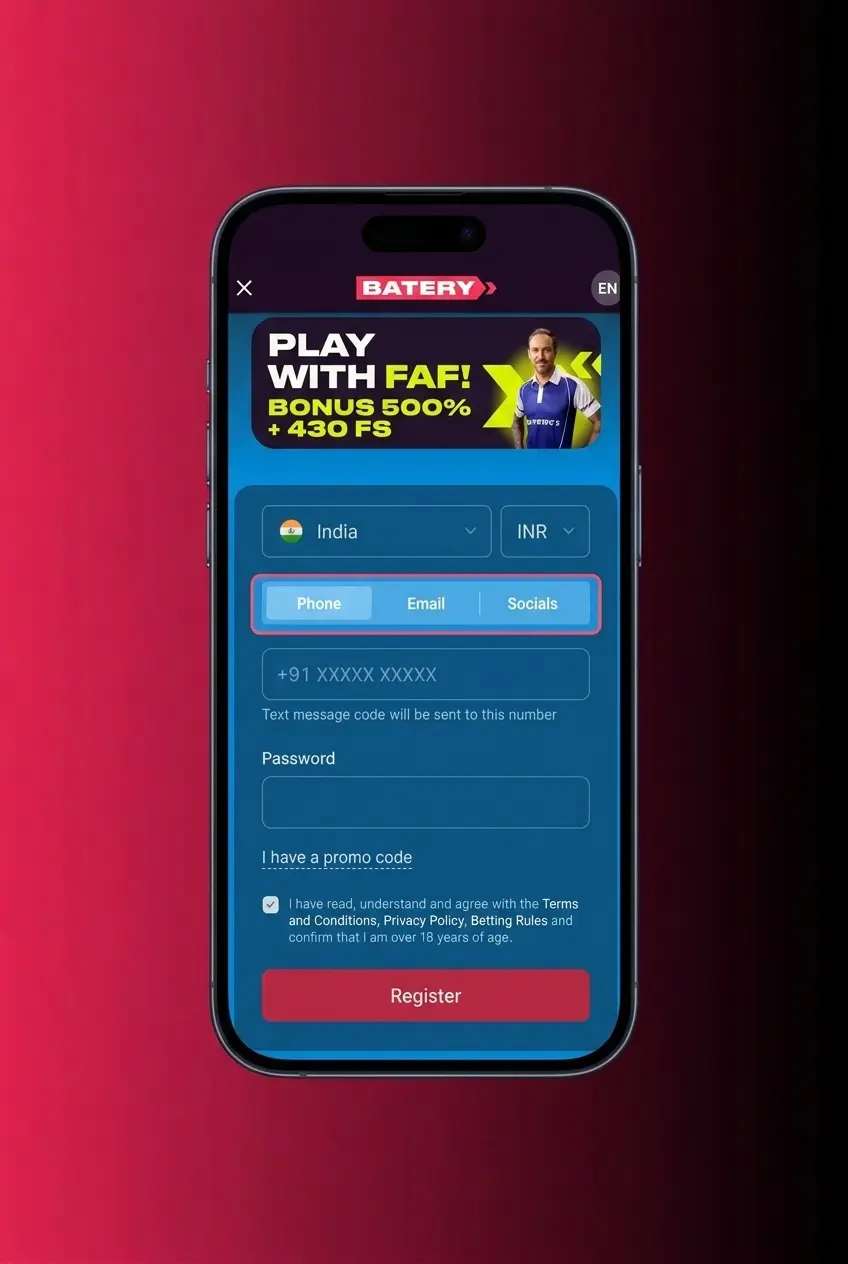
Fill in the required fields including your name, date of birth, country (India), and preferred currency (INR).
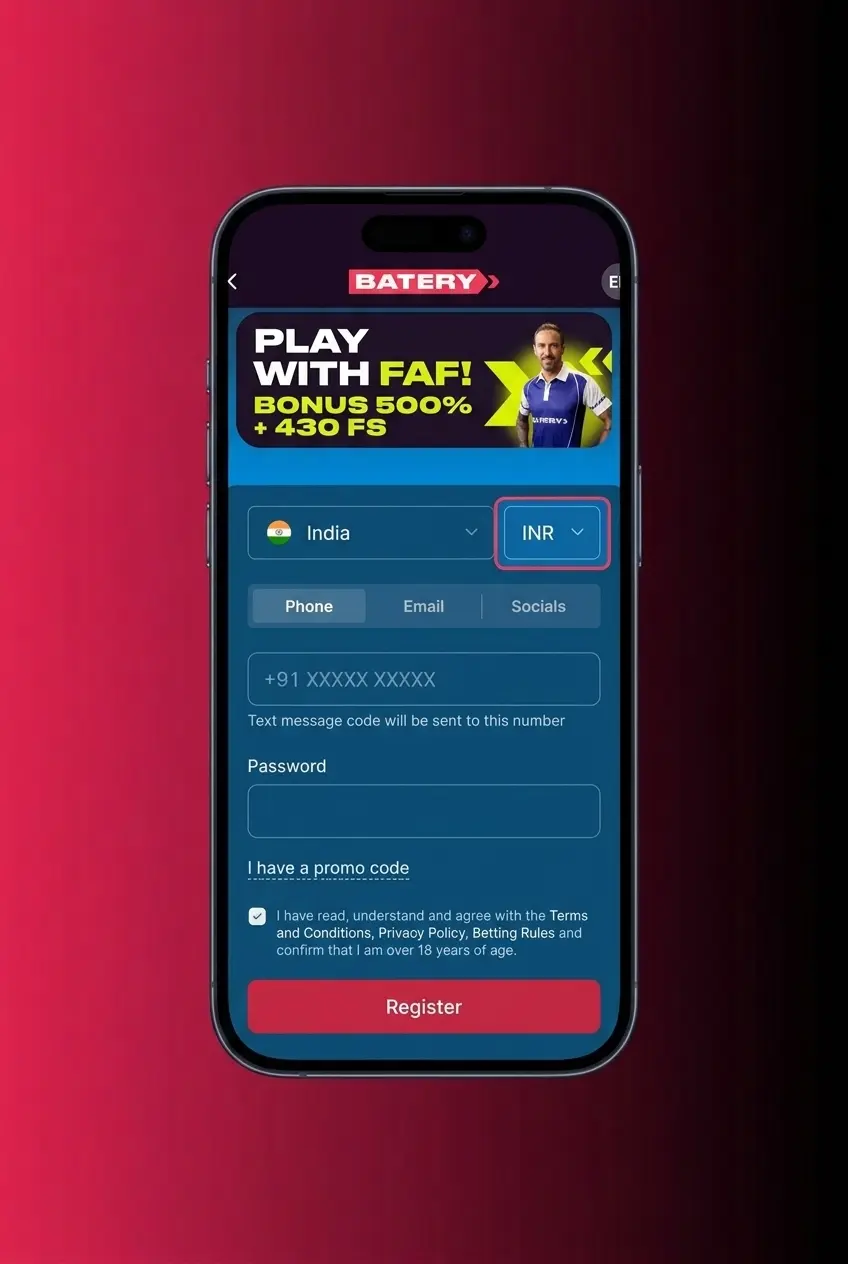
Choose your preferred welcome offer during registration: Sports Bonus, Casino Bonus, Slots Bonus, or the full Welcome Pack.
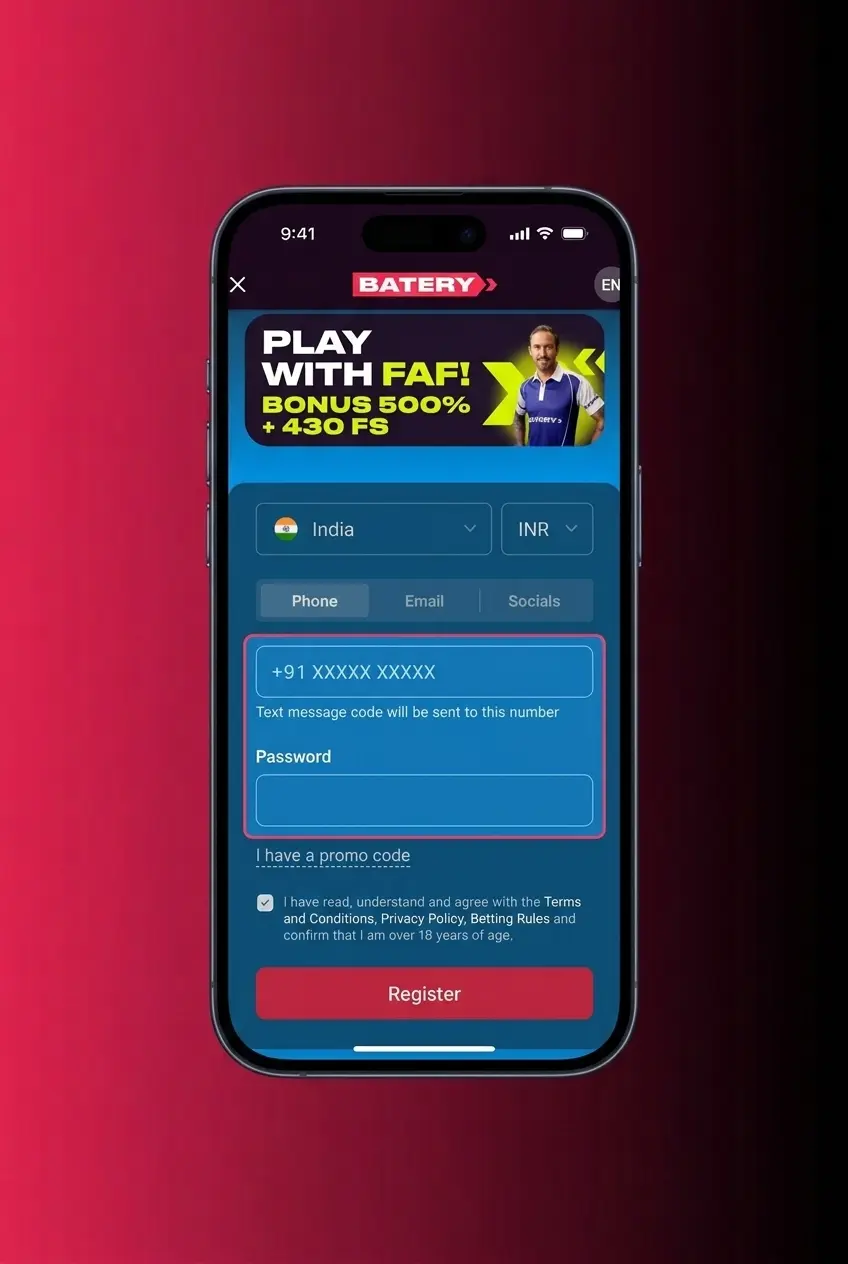
Agree to the Terms and Conditions, submit your registration, and verify your account via the confirmation link or code sent to your email or phone.
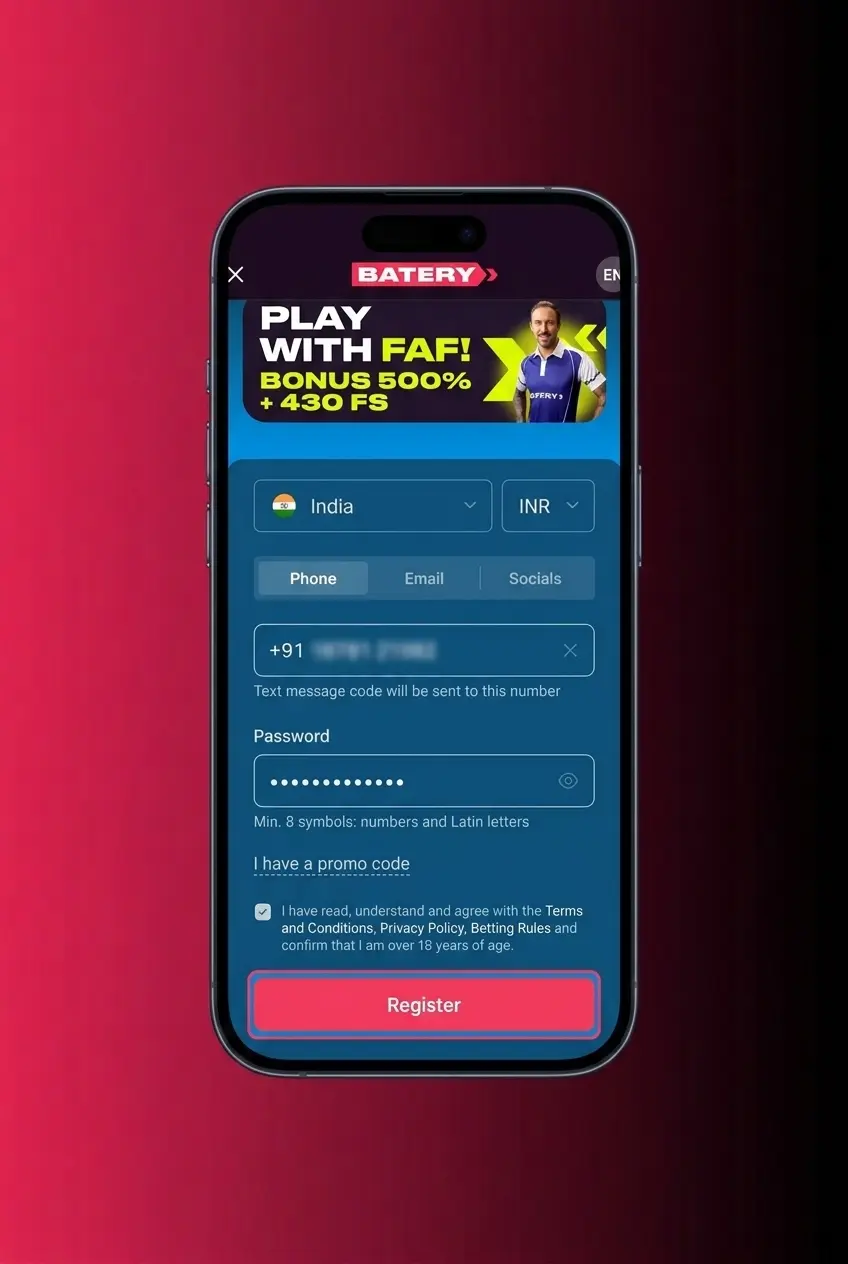
Tap the download button on this page, install the Batery app on your device, and open it.
Select the “Registration” button on the app’s welcome screen and choose your preferred sign-up method: by email, phone number, or social account.
Fill in the required fields including your name, date of birth, country (India), and preferred currency (INR).
Choose your preferred welcome offer during registration: Sports Bonus, Casino Bonus, Slots Bonus, or the full Welcome Pack.
Agree to the Terms and Conditions, submit your registration, and verify your account via the confirmation link or code sent to your email or phone.
Keeping the Batery application updated ensures you have access to the latest features, security patches, and bug fixes. Update steps differ slightly between Android and iOS.
Follow these steps to update the Batery app on Android:
Visit this page and tap the Download Android App button to get the latest APK file.
Once the download is complete, open the APK file from your notifications or downloads folder.
Tap “Install” when prompted. Android will automatically replace the old version.
Open the updated app and log back in to your account.
Confirm the new version number under Settings > App Info.
Follow these steps to update the Batery app on iPhone or iPad:
Tap the iOS download button on this page to access the latest version link.
Open the App Store and navigate to your account profile at the top right.
Scroll to “Available Updates” and locate Batery.
Tap “Update” next to the Batery listing.
New Batery mobile app users can claim one of four welcome bonuses on their first deposit. Each offer is available directly within the app during registration.
Sports Welcome Bonus: 150% up to 30,000 INR plus 200 free spins. Ideal for players who focus on cricket, football, and kabaddi betting.
Casino Welcome Pack: 500% up to 1,50,000 INR plus 430 free spins distributed across the first 5 deposits. Designed for casino and slot players.
Slots Welcome Bonus: 150% up to 30,000 INR plus 200 free spins on selected slot titles.
Aviator Bonus: 100% up to 30,000 INR exclusively for Aviator players.
To claim any offer, select it during registration, then make the required minimum deposit via UPI, PhonePe, GPay, PayTM, or Crypto.
Follow these six steps to place your first sports bet in the Batery betting app and withdraw your winnings once the event concludes.
Tap the Start Betting button on this page to download the Batery app and install it on your Android or iOS device.
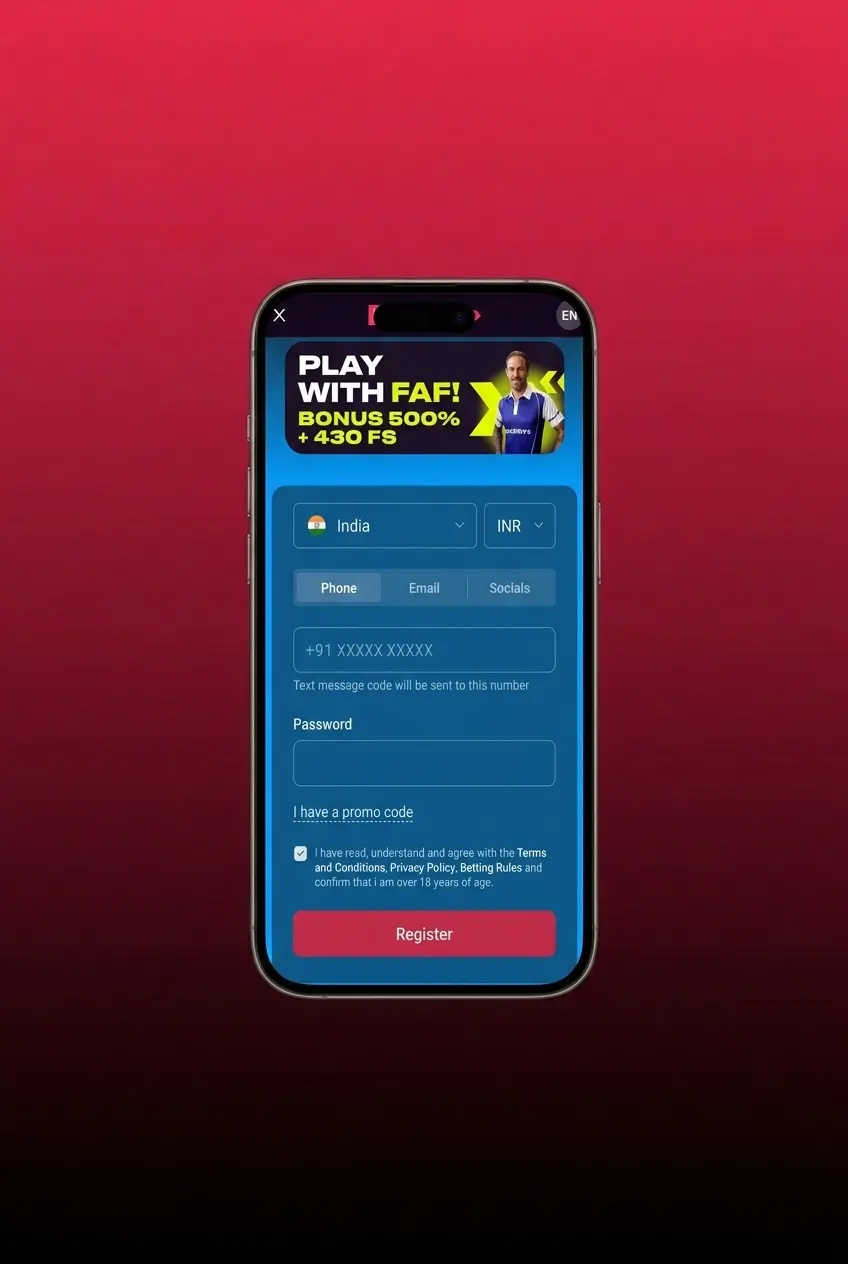
Open the app, log in to your existing account, or complete the quick registration process to create a new one.
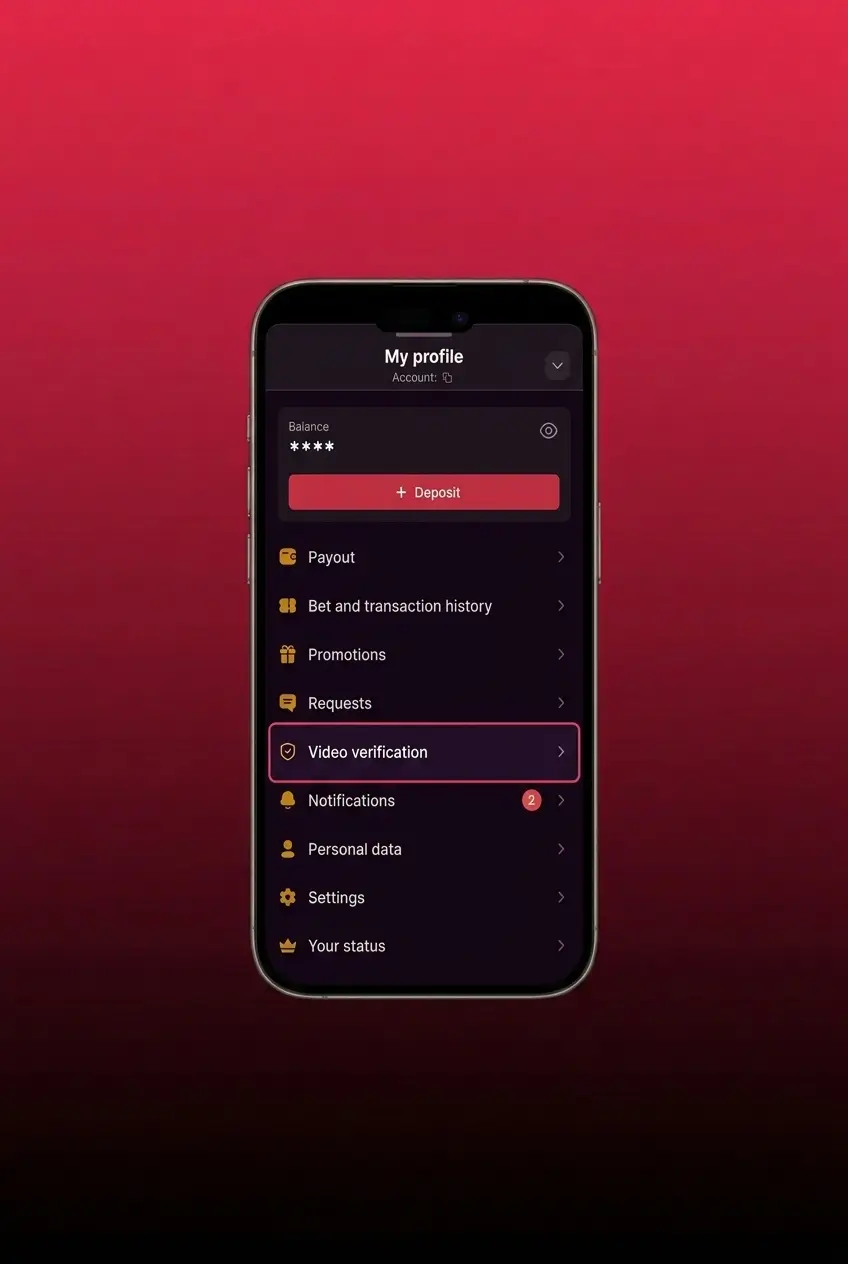
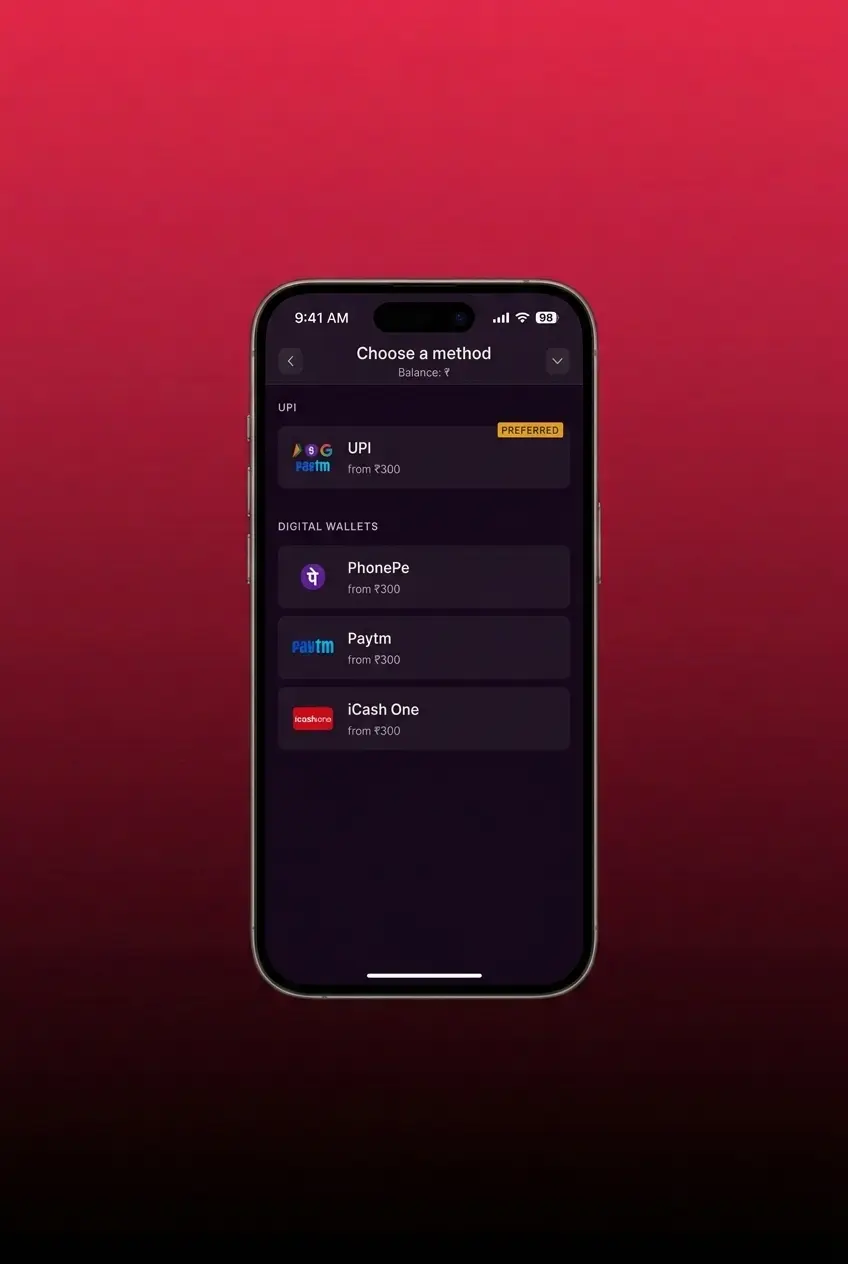
Navigate to the Cashier section, choose a payment method such as UPI, PhonePe, or GPay, and deposit a minimum of 300 INR to fund your account.
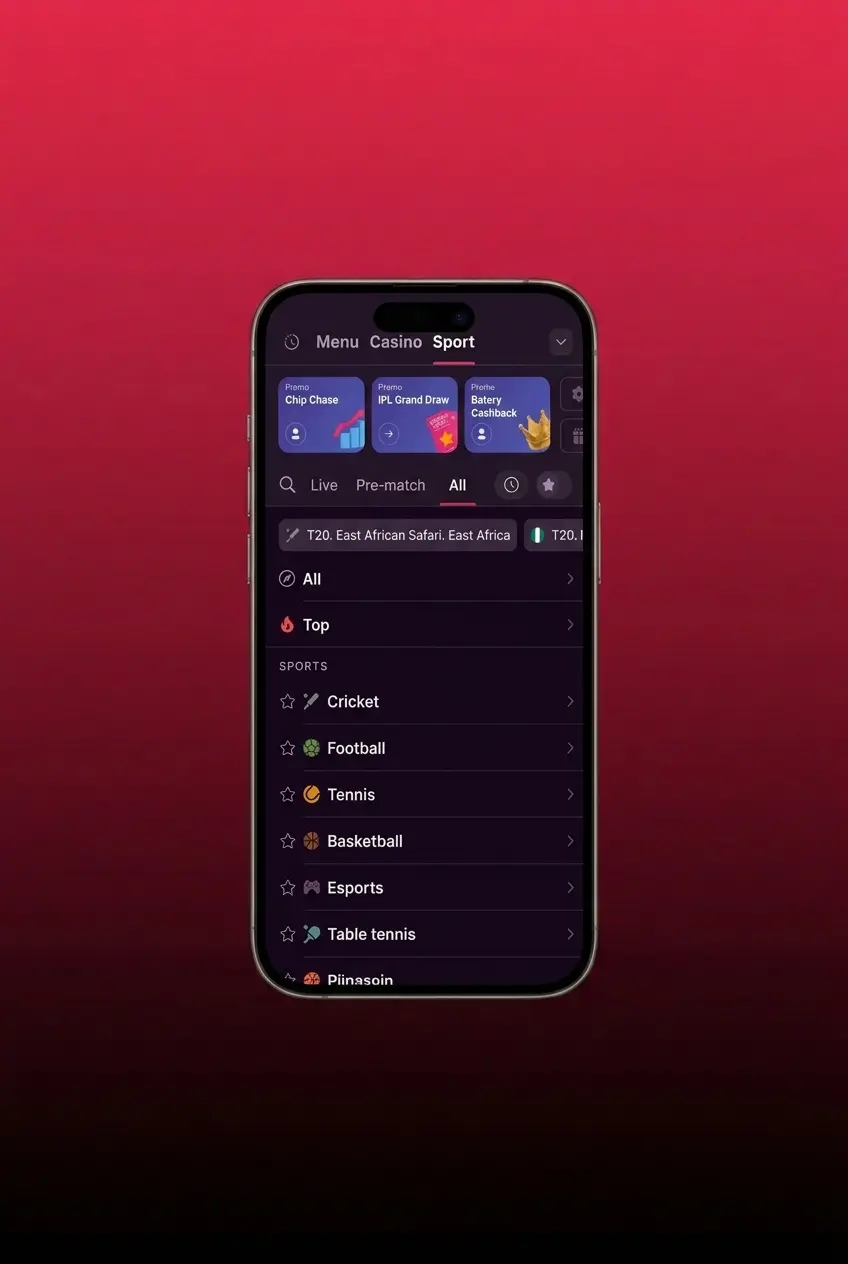
Tap the Sports section, browse available disciplines such as cricket, football, or kabaddi, and select the match or event you want to bet on.
Choose your market and odds, then select your bet type: Single, Accumulator, or System. Enter your stake amount in the bet slip.
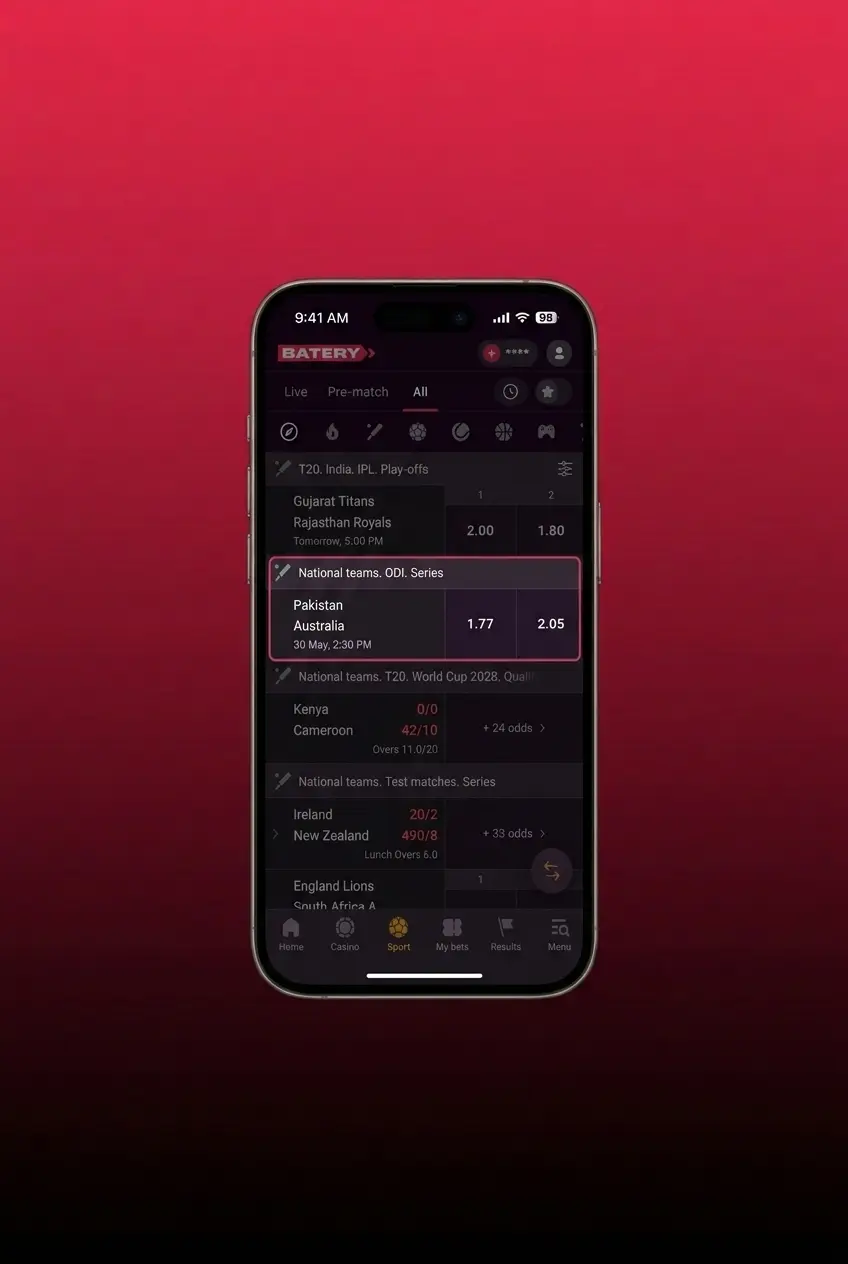
Tap “Place Bet” to confirm. Once the event ends, any winnings are credited to your balance instantly and can be withdrawn or used on the next bet.
Tap the Start Betting button on this page to download the Batery app and install it on your Android or iOS device.
Open the app, log in to your existing account, or complete the quick registration process to create a new one.
Navigate to the Cashier section, choose a payment method such as UPI, PhonePe, or GPay, and deposit a minimum of 300 INR to fund your account.
Tap the Sports section, browse available disciplines such as cricket, football, or kabaddi, and select the match or event you want to bet on.
Choose your market and odds, then select your bet type: Single, Accumulator, or System. Enter your stake amount in the bet slip.
Tap “Place Bet” to confirm. Once the event ends, any winnings are credited to your balance instantly and can be withdrawn or used on the next bet.
The Batery mobile website is accessible on any smartphone or tablet browser without requiring a download. It delivers the full range of sports betting and casino features, including live betting, slot games, payment processing, and account management. The mobile site loads efficiently on both Android and iOS browsers, making it a practical option for users who prefer not to install the dedicated app.
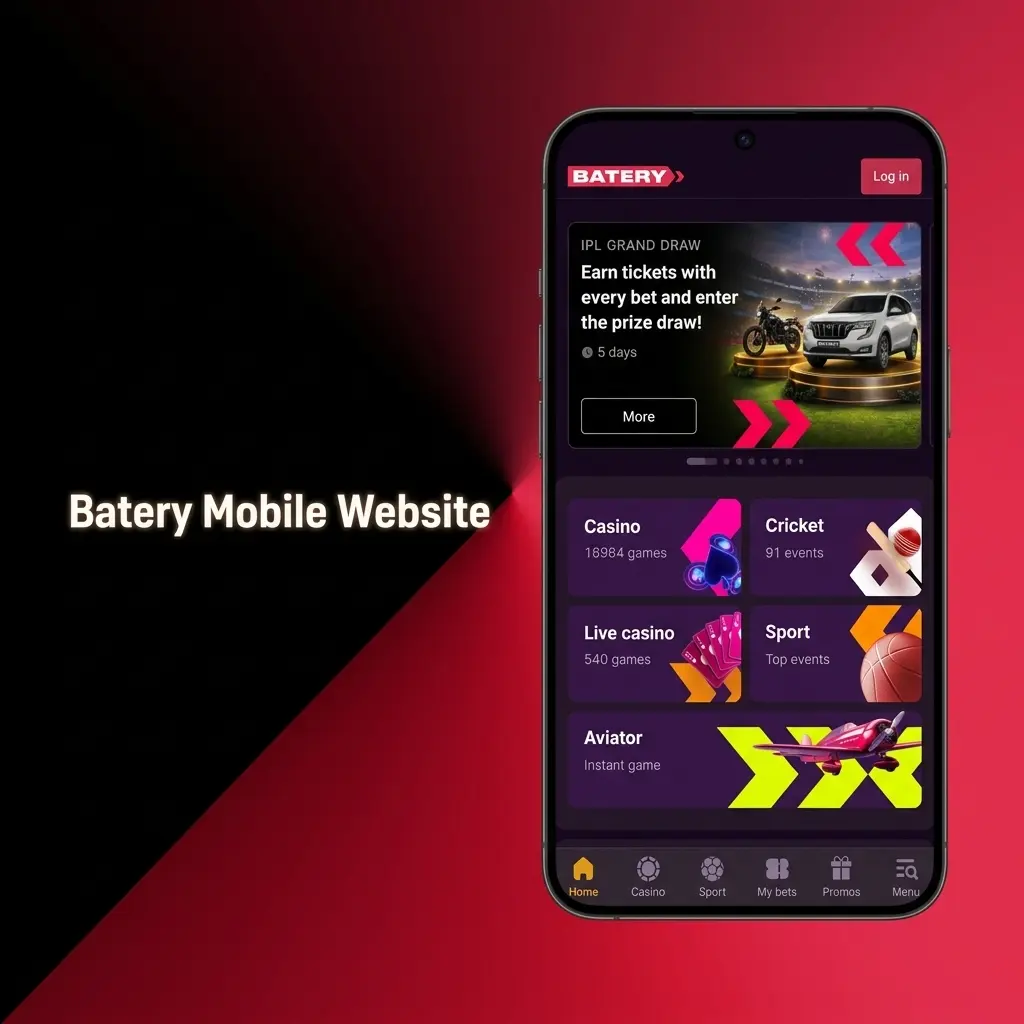
The Batery mobile website closely replicates the core functionality of the dedicated app, but many players opt for the application due to its added performance benefits and tailored interface.
| Feature | Application | Mobile Site |
|---|---|---|
| Installation Required | Yes (APK or App Store) | No |
| Push Notifications | Yes | No |
| Load Speed | Faster (native performance) | Dependent on browser and connection |
| Offline Access | Partial (cached content) | No |
| Biometric Login | Yes (Face ID, fingerprint) | No |
| Storage Used | ~100–150 MB | None |
| Live Bet Updates | Real-time via app | Real-time via browser |
| Payment Access | Full | Full |
| Bonus Activation | In-app, one tap | Available via browser |
The dedicated Batery application provides faster navigation, push notifications for live events and promotions, and biometric login for secure, one-touch access. Its native design makes it considerably more responsive than a browser tab, particularly for live betting where every second counts.
The Batery betting app covers every major sport and eSport event available on the platform. You can bet in both LIVE and LINE modes, and choose from Single, Accumulator, or System bet types. Each sport has a dedicated page with team and player statistics, and live streaming is available for selected events.
Sports and disciplines available for betting:
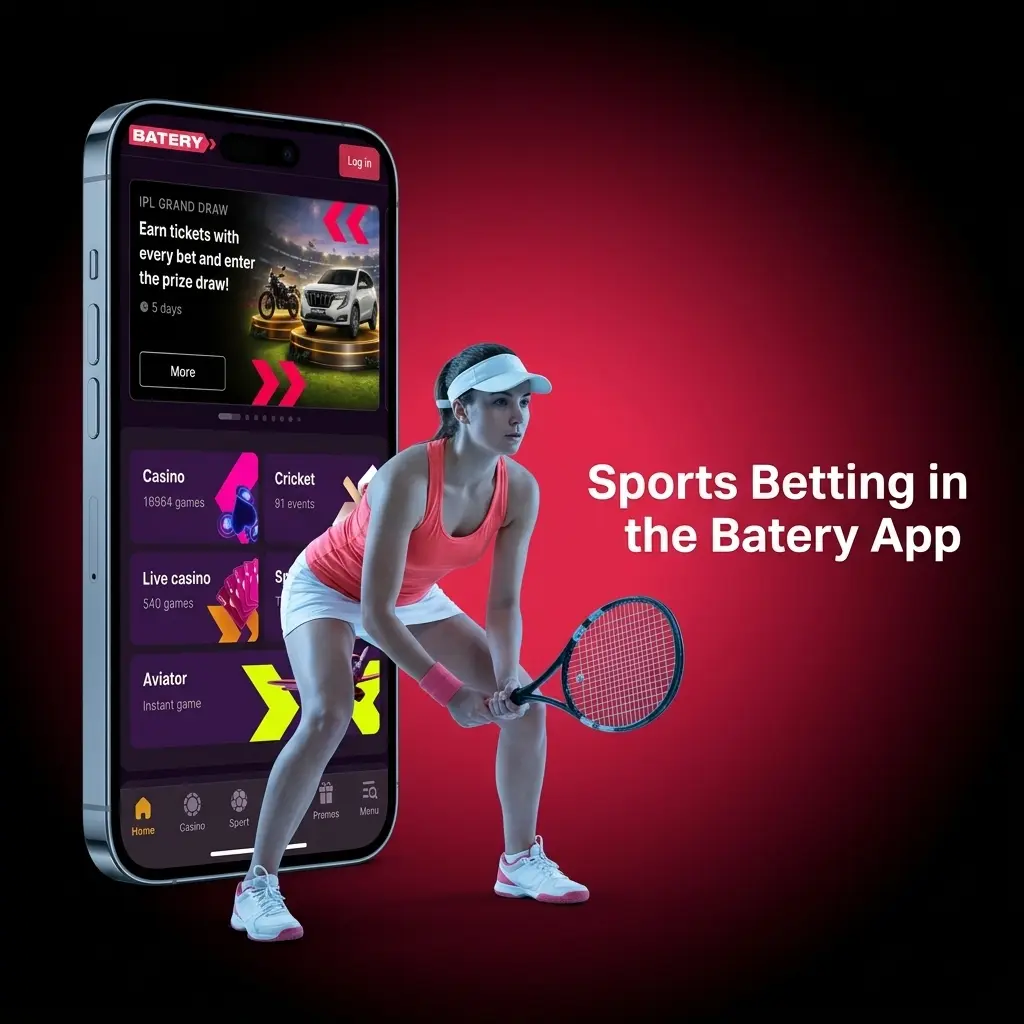
The Batery casino app offers direct access to live events and casino games from the home screen. You can switch between sports betting and casino with a single tap. The game library includes hundreds of slot titles from providers such as Pragmatic Play, Evolution Gaming, and Spribe. Table games including roulette, baccarat, and blackjack are available in both standard and live dealer formats.
The live casino section connects you to real dealers streaming in high definition. Active promotions, reload bonuses, and free spin offers are available directly within the casino section of the app. New titles are added regularly, keeping the catalogue fresh and relevant for Indian players.

The Batery mobile app delivers a set of distinct benefits that make it the preferred choice for players in India.
Deposits made via UPI, PhonePe, GPay, and PayTM are credited instantly. Crypto deposits are confirmed after standard blockchain verification.
Every feature available on the desktop platform is accessible in the app, including LIVE betting, slot games, table games, and live dealer tables.
App users can claim a Welcome Pack of 500% up to 1,50,000 INR plus 430 free spins across 5 deposits, which is one of the highest welcome packages in the Indian market.
Face ID and fingerprint authentication are supported, allowing secure login in under one second.
Real-time alerts for live bet opportunities, score updates, and new promotions are delivered directly to your device.
Indian users have access to a comprehensive set of local and international payment options within the Batery app. Deposits are credited to your account instantly once confirmed by the payment provider.
Available payment methods:
The minimum deposit is 300 INR. The minimum withdrawal amount is 500 INR. Most withdrawal requests via UPI and digital wallets are processed within 15 minutes. Crypto withdrawals are subject to standard blockchain confirmation times.
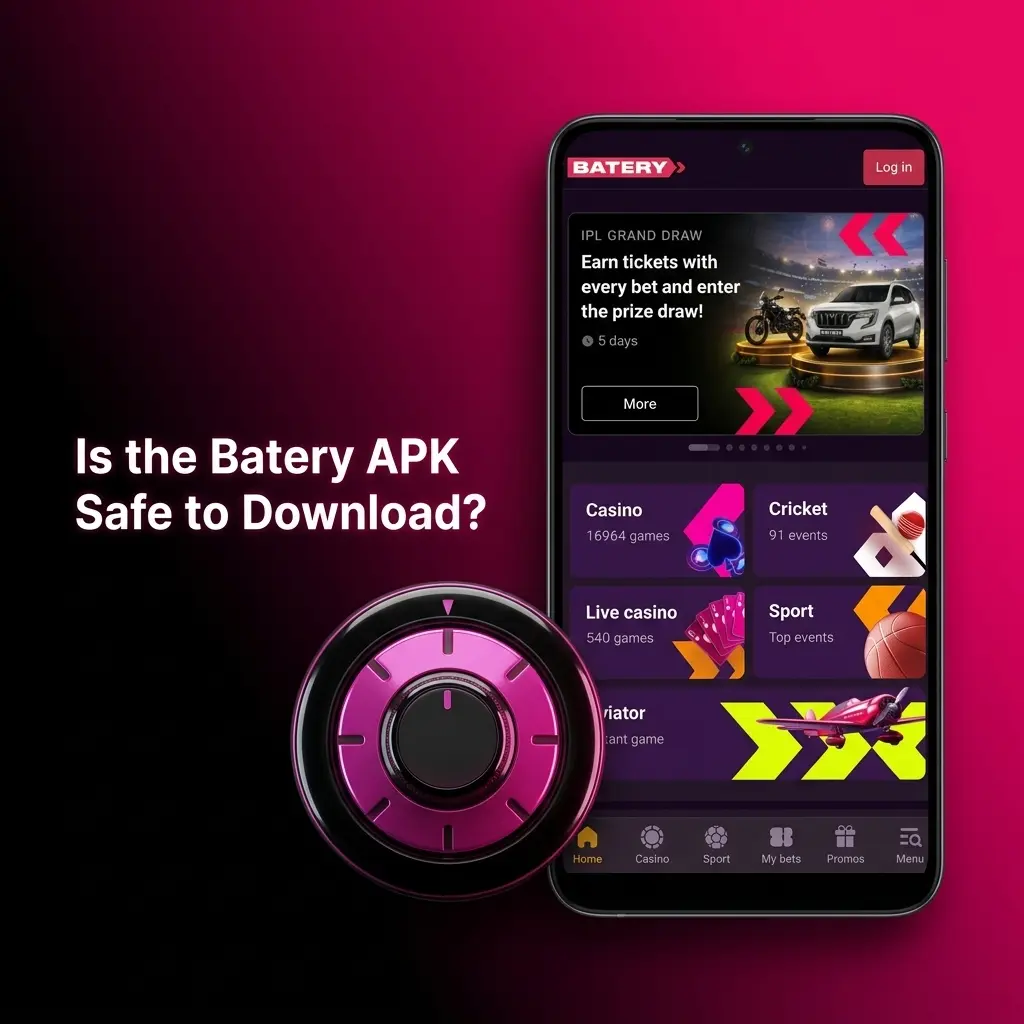
The Batery official app operates under a valid Curaçao eGaming licence, placing it under a regulated gambling framework. All data transmitted through the app is protected by 256-bit SSL encryption. Personal and financial information is never shared with third parties. The APK file distributed on this page is the official version, verified and free from malware. Indian players can download and use the app with full confidence in its security.
Yes. Your Batery account, balance, bonuses, and bet history are fully synchronised across the mobile app, mobile site, and desktop platform.
Yes. Indian Rupee (INR) is fully supported as a base currency in the Batery app, covering all deposits, withdrawals, and bonus calculations.
Yes. IPL matches, along with all other official BCCI and ICC events, are listed under the Cricket section in both LIVE and LINE modes.
Selected slot games include a demo mode, allowing you to try the gameplay without risking real funds before switching to real-money play.
Clear the app cache via your device settings, ensure you are running the latest APK version, and confirm your internet connection is active. If the issue persists, contact Batery support via the in-app live chat.
Updated: